Best Laptops for Flyers: Top Picks for Design and Performance
Designing flyers means you need a laptop that runs design software smoothly and shows colors accurately. Whether you’re a pro or just making flyers for your own small business, you’ll want enough processing power, memory, and a good display to really bring ideas to life. Pick the wrong machine and you’ll end up frustrated—laggy performance, washed-out colors, and wasted time waiting for things to render.
The best laptops for designing flyers combine fast processors, dedicated graphics cards, high-res displays, and at least 8GB of RAM so your design tools run without a hitch. Laptops like the Apple MacBook Pro, Dell XPS 15, and HP Envy x360 stand out in 2026 for handling Adobe Illustrator, Photoshop, and similar programs. Plus, they’re portable enough to take anywhere. You want a machine that keeps up with your creativity—not one that makes you wait.
This guide digs into what really matters when picking a laptop for flyer design. You’ll see which specs have the biggest impact, which models handle design work best, and how to pick one that fits your budget and workflow.
Key Takeaways
- Pick laptops with strong processors, at least 8GB RAM, and dedicated graphics for smooth design work
- Top 2026 picks: MacBook Pro, Dell XPS 15, and HP Envy x360 for their power and display quality
- Match your laptop specs to your design software, and think about portability if you work in different places
Key Features to Look for in the Best Laptops for Flyers
To create flyers, you’ll want a laptop with features that actually help your design process. Screen quality, processor speed, portability, and graphics power all play a big role in how easy it is to make pro-level designs.
High-Resolution Displays for Color Accuracy
Your screen shapes how you see colors and details in your designs. A high-res display gives you crisp text and sharp graphics while you’re working.
Color accuracy is crucial because you need your screen to show colors as they’ll appear in print. Look for displays covering 100% sRGB or the P3 color gamut. The Apple MacBook Pro 16-inch with its Liquid Retina XDR display nails color reproduction. The ASUS ProArt P16 comes factory-calibrated for designers who want accuracy out of the box.
OLED touchscreen displays offer deep blacks and punchy colors. Some laptops feature VESA DisplayHDR True Black for better contrast. The Dell XPS 15 and Dell XPS 14 both have high-res screens with solid color coverage.
Screen size makes a difference. A 15-inch or 16-inch display gives you more space for layouts and toolbars—honestly, it just feels less cramped.
Graphics Performance and Dedicated GPUs
Dedicated graphics cards make rendering faster and keep design software running smoothly. Integrated graphics might get you by for simple flyers, but for more complex work, a dedicated GPU is a game changer.
The NVIDIA GeForce RTX 5070 and similar cards offer strong performance for design. These GPUs speed up effects, filters, and layers in your favorite programs. You’ll notice faster previews and less waiting when working with big images.
NVIDIA GPUs also help with color management and let you run multiple monitors. The RTX 5070 can easily handle demanding design apps and external displays.
For basic flyers, a mid-range graphics card works fine. But if you do a lot of design, a more powerful GPU is worth it.
Processor Speed and RAM for Design Software
Your processor determines how fast your design software responds. Modern design apps use multiple cores to handle tasks in parallel.
You’ll be happier with at least 16GB of RAM for design work. That way, you can run design apps and keep a bunch of other programs open without everything slowing down. If you work with huge files or lots of projects, 32GB is even better.
The M4 MacBook Pro chips deliver solid performance for design. They handle processing and graphics tasks without breaking a sweat. The MacBook Air M3 is a good pick for lighter design needs and still feels quick.
Multi-core processors shine when you’re applying effects, exporting, or juggling multiple artboards. You want your laptop to handle background tasks so you can just focus on your work.
Portability, Battery Life, and Build Quality
If you move around a lot, weight and size matter. An ultraportable laptop under 4 pounds is much easier to carry, but you still want a screen big enough to work comfortably.
Battery life gives you freedom to work away from outlets. Aim for 8-10 hours of real use. The MacBook Air 13 and MacBook Air 15 strike a nice balance between portability and battery life.
Thunderbolt 4 ports mean fast data transfer and easy connections to external monitors. It’s handy to dock at your desk and go portable when you need to.
Build quality keeps your laptop safe during travel. Metal bodies protect better than plastic. A 2TB SSD gives you loads of space for design files, fonts, and software, so you don’t have to lug around extra drives.
Don’t overlook the keyboard. A comfortable keyboard and a precise touchpad make long design sessions a lot less tiring.
Top Laptops for Designing Flyers in 2026
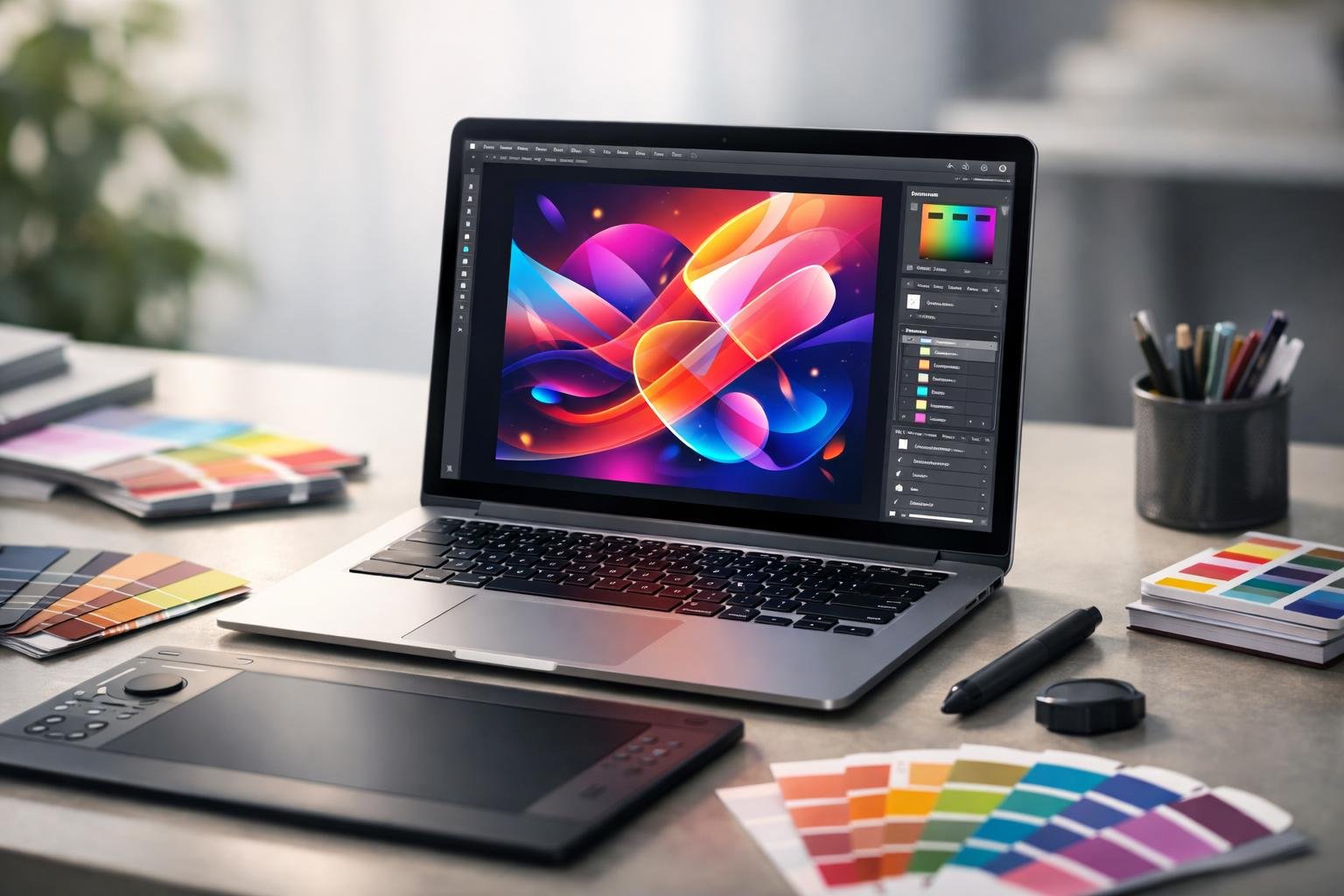
The best laptops for design in 2026 have color-accurate screens, fast processors, and enough RAM to keep your creative flow going. Whether you want the Apple M4 chip or a Windows laptop with an NVIDIA RTX GPU, these picks deliver what you need for flyer design.
Apple MacBook Pro 16 (M4): The Premium Choice
The MacBook Pro 16 with the M4 chip really stands out for graphic design. Its Mini-LED display covers 100% DCI-P3, so the colors you see on screen actually match your printed flyers.
The M4 MacBook Pro runs Photoshop and Illustrator without hiccups. With up to 22 hours of battery life, you can get through long projects without worrying about charging. The base model has 16GB of RAM, but if you work with big files or lots of apps, 32GB is a smart upgrade.
The display gets crazy bright—up to 1,600 nits. That means you can see details even in bright rooms or outside. The M4 chip’s Neural Engine speeds up AI features in design tools, so things like background removal happen faster.
ASUS ProArt P16: The Best Windows Laptop for Graphic Design
The ASUS ProArt P16 is a top Windows pick for designers who want control and strong graphics. Its 4K OLED touchscreen gives you deep blacks and vibrant colors—way better than most LCDs.
The ASUS Dial lets you adjust brush sizes, opacity, and more in Adobe apps without hunting for shortcuts. With an NVIDIA RTX 4070 GPU, the ProArt P16 handles complex designs and 3D work with ease.
ASUS built this machine for creative work. Most configs come with 32GB of RAM, so you won’t crash when working with lots of big images. The color accuracy is spot-on right out of the box, so you won’t waste time tweaking display settings.
Dell XPS Series: Striking a Balance Between Style and Performance
The Dell XPS 15 and XPS 14 hit a sweet spot between power and price. Both have sharp, color-accurate displays that are great for design.
The XPS 15 can be configured with an NVIDIA RTX 4070 GPU—good enough for graphic design and some light video editing. The XPS 14 is more portable but still runs Adobe Creative Suite smoothly.
With their slim bezels and aluminum bodies, these laptops look sharp in meetings. You can choose 16GB or 32GB of RAM depending on your needs. They’re not cheap, but they’re less expensive than the MacBook Pro 16 and still deliver the performance you need for pro flyer design.
Frequently Asked Questions
Travelers need laptops that balance battery life, portability, and connectivity without sacrificing performance. The MacBook Air M4 gets close to 16 hours of battery and weighs just 2.7 pounds. Dell XPS 13 9345 and Asus Zenbook models are also strong alternatives, each with their own strengths.
What are the top-rated laptops for frequent travelers in terms of battery life?
The MacBook Air M4 leads the pack with 15 hours and 42 minutes of battery in real-world use. You can get through most long flights without hunting for an outlet.
The Dell XPS 13 9345 also holds up well for extended unplugged use.
The Asus Zenbook 14 OLED gives you over 12 hours of battery—enough for a full workday plus your commute or flight.
Which laptops are recommended for their durability and portability for individuals who fly often?
The MacBook Air M4 is tough, with an all-aluminum chassis, and weighs only 2.7 pounds at just 0.44 inches thick. It easily slips into any carry-on or backpack.
The Acer Swift Go 14 also has an all-aluminum build at 2.9 pounds. Even though it starts at $749, it doesn’t feel cheap.
The Asus Zenbook S 14 is another super portable option. All of these laptops can handle the bumps and knocks of travel.
What are the best laptop options for travelers who need powerful performance for business applications?
The MacBook Pro 16 M4 Pro delivers top performance for demanding business apps. It hits a Geekbench 6 score of 14,849—well above most mainstream laptops.
The Acer Swift Go 14 with Intel Core Ultra 7 155H scores 12,434 and handles video encoding quickly, finishing Handbrake video transcoding in 5 minutes and 18 seconds.
The Asus ExpertBook P5 is built for business, balancing performance with pro features you actually need.
Which laptops offer the most seamless connectivity options for flyers needing constant access to Wi-Fi and cellular networks?
Most new laptops include Wi-Fi 6 or Wi-Fi 7, so you get faster, more reliable connections in airports and hotels.
The MacBook Air M4 includes two Thunderbolt 4 ports for fast data and accessory connections, though you might need adapters for older devices.
The Acer Swift Go 14 packs in two Thunderbolt 4 ports, two USB Type-A, HDMI, and a microSD slot. You can hook up to projectors, external screens, or whatever else—no need for a bag full of dongles.
What are the lightest laptop models that do not compromise on performance for frequent flyers?
The MacBook Air M4 weighs just 2.7 pounds but still delivers great performance thanks to its M4 chip. It’s fast and portable.
The Asus Zenbook S 14 is another featherweight option. These thin-and-light laptops keep performance high despite their size.
The Acer Swift Go 14 is 2.9 pounds and includes an Intel Core Ultra processor. It’s proof you don’t need a heavy laptop for solid performance.
Which laptops have the best on-board entertainment features suitable for long flights?
The MacBook Air M4 comes with a bright 13.6-inch Liquid Retina display that hits 463 nits. With True Tone tech, colors actually look natural—whether you’re binging movies or just tweaking a few photos.
The Asus Zenbook 14 OLED brings out bold colors and those deep blacks thanks to its OLED screen. Honestly, OLED just looks better than standard LCD, especially if you’re watching something in a dim airplane cabin.
The MacBook Air M4 includes a Center Stage 12MP webcam, which feels handy for video calls during layovers or if you need to catch up with coworkers in other time zones.